We have covered the entire VCF 5.X stack deployment in my earlier 3 blogs.
VCF 5.0 Series-Step by Step-Phase1 – Preparation
VCF 5.0 Series-Step by Step Phase2 – Deployment Parameters Excel sheet
VCF 5.0 Series-Step by Step-Phase3 – Deployment
VCF 5.0 Series-Step by Step-Phase4 – Post Deployment Checks
It’s time to check VCF environment and do some post checks.
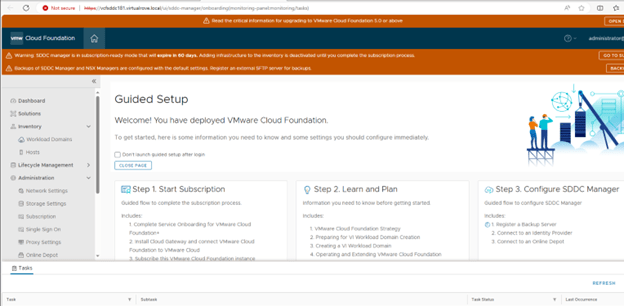
Here is the SDDC manager after the deployment,
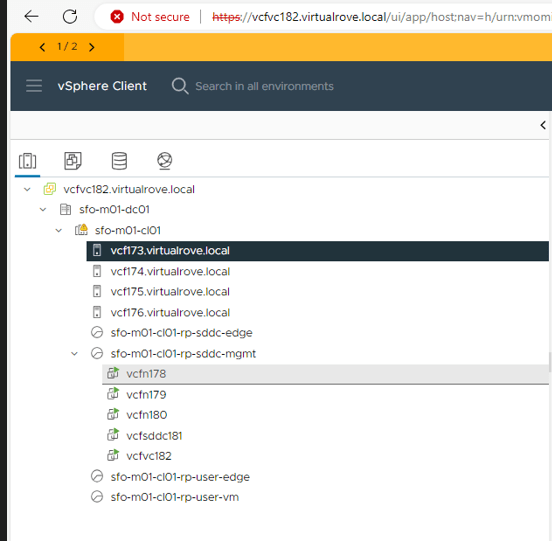
Host & Clusters view,
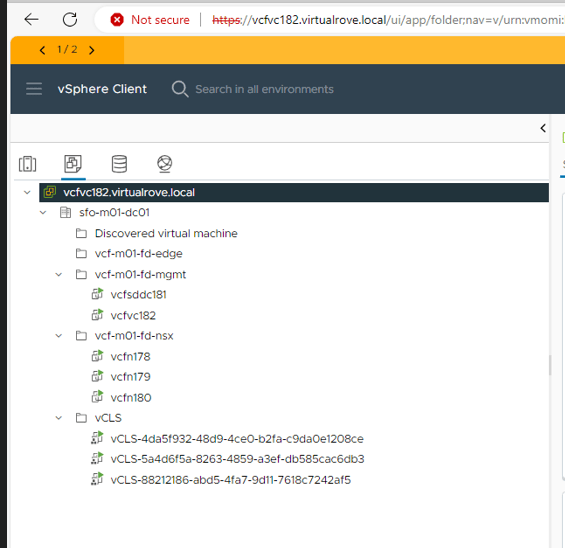
VM’s & Templates,
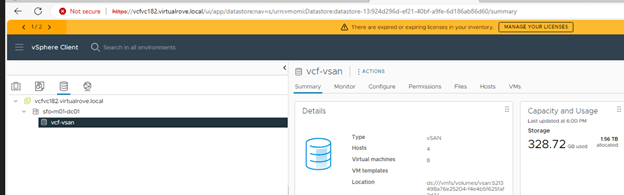
Datastore,
And Networking,

Let’s look at the NSX env,

All management hosts have been prepared for nsx,
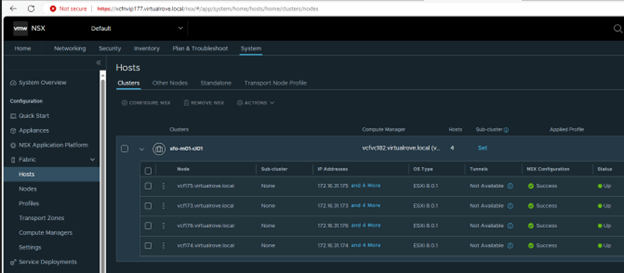
Host configuration on one of the host in this cluster,
“vcf-vds01” configured for NSX. TZ, Uplink profile & IP pool created and configured already.

vCenter Virtual switch view on one of the host,

NSX already have backup configured, And the last backup was successful.

If you look at the backup config, it has configured sddc as a backup server,

Lets have a look at the SDDC manager dashboard,

Host view on SDDC shows as expected,
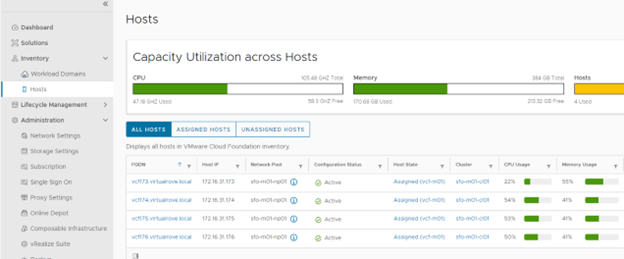
Workload Domain view shows our management domain,

Click on the management domain name to check details,

Host tab on under the management domain shows host details again,

Edge clusters are empty. You get an option to deploy edge clusters for mgmnt domain. I will be writing separate blog on it,

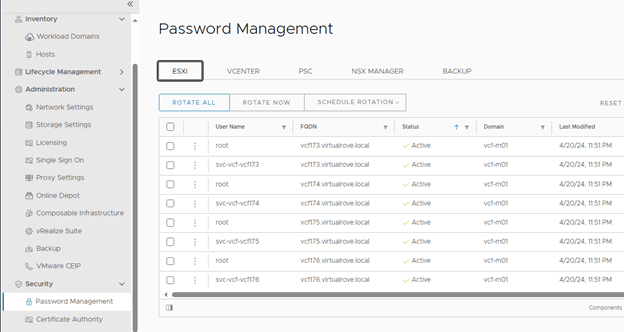
Password management options allows you to create / edit passwords for all SDDC components at one place. You can also schedule password rotation for all components.
As discussed in the first blog of this series, here is the option to subscribe to licenses,

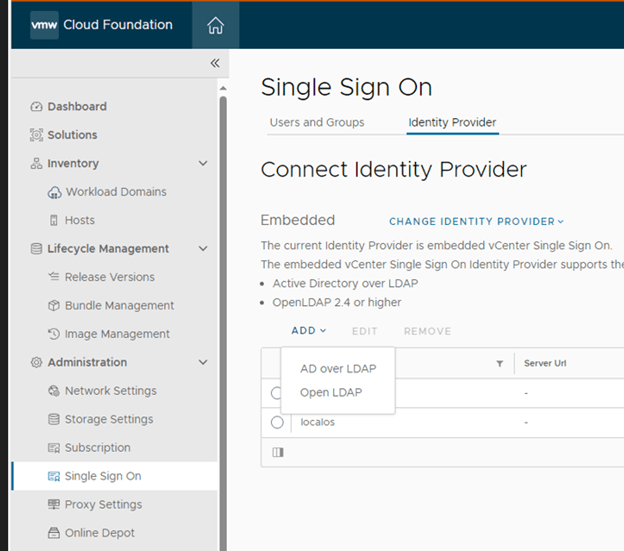
Like other products of VMware, you get an option to integrate AD,
Option to deploy vRealize Suite from SDDC,

Well, that’s all for this post. Keep following for upcoming blogs on VCF 5.X.
Are you looking out for a lab to practice VMware products…? If yes, then click here to know more about our Lab-as-a-Service (LaaS).
Leave your email address in the box below to receive notification on my new blogs.
 Welcome to VirtualRove.COM