In previous blog post here,
VMware vCloud Foundation 9 – Licensing Part 1
We talked about registering VCF Operations on the Broadcom Portal and applying licenses to VCF Operations. Let’s continue and apply new licenses to vCenter and VSAN.
Click on Licenses> Assign Primary License

Select the VCF license and assign,

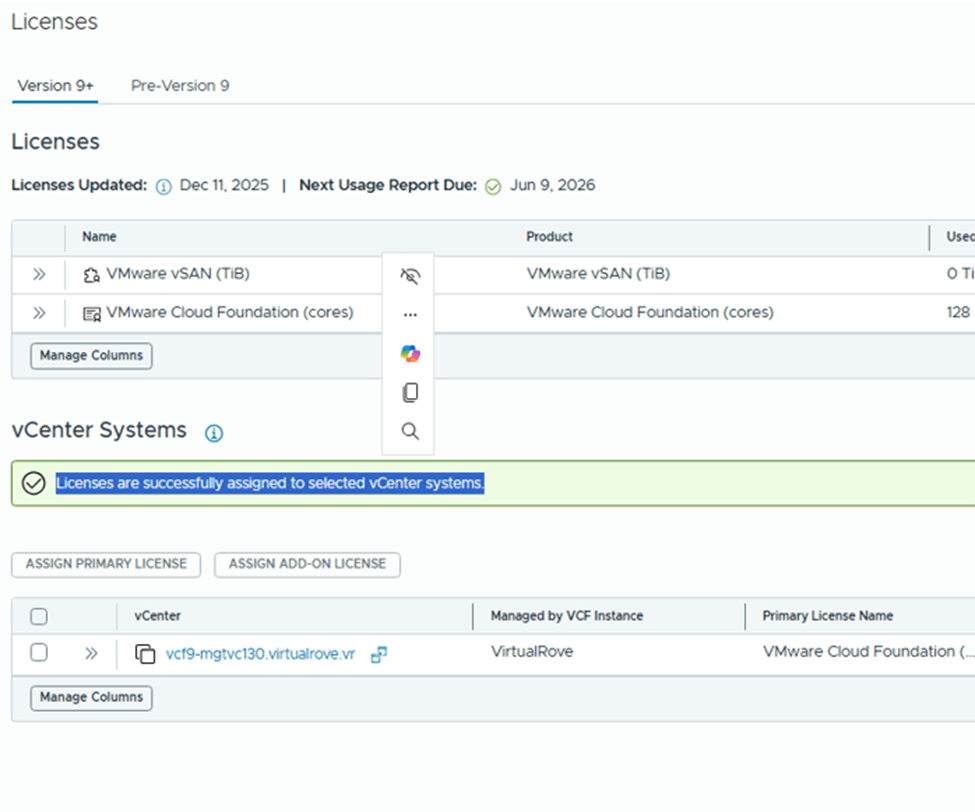
vCenter is fully licensed,

Back to licenses, Select vCenter and click on “Add-on license”
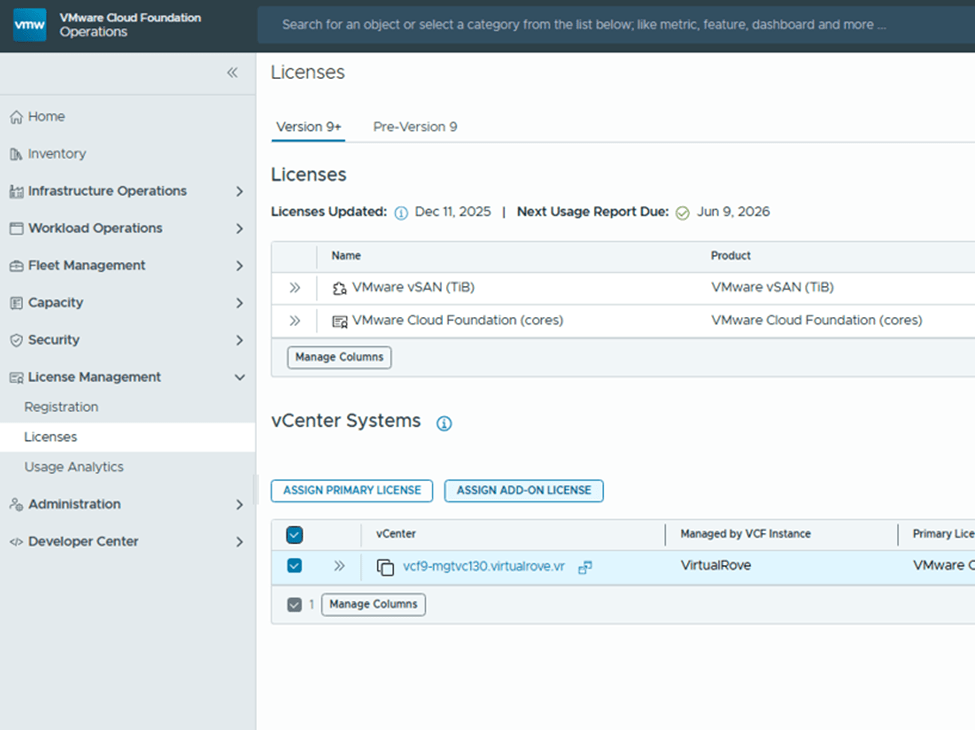
Select VSAN license and assign,

Add-on license applied successfully and vCenter is fully licensed,
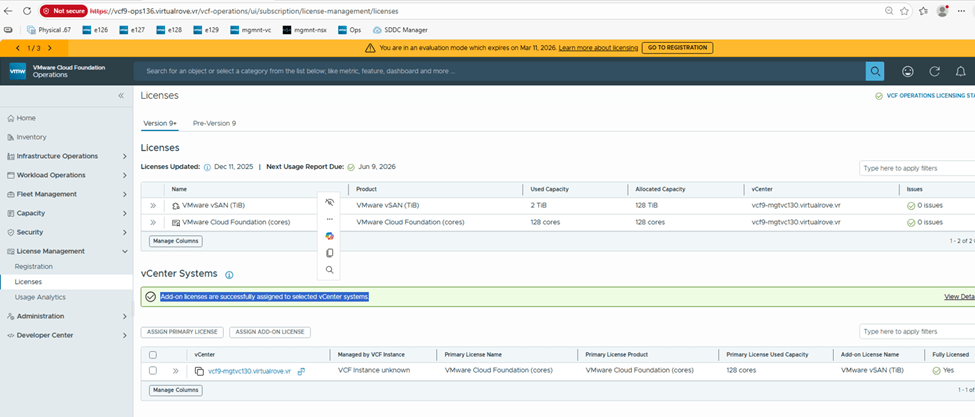
Check the “Used Capacity” in license section,
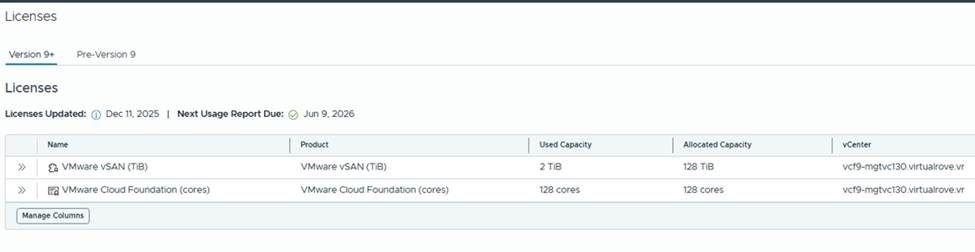
vCenter shows fully licensed,

Here is the link for official documentation on VCF 9 licensing,
That’s it for this post. We have licensed entire VCF 9 environment. Please refer to official documentation & make sure to update license usage every 180 days. 😊
Are you looking out for compute resources (CPU / Memory / Storage) to practice VMware products…? If yes, then click here to know more about our Lab-as-a-Service (LaaS).
 Welcome to VirtualRove.COM